Where to Print a Nonresident Permit
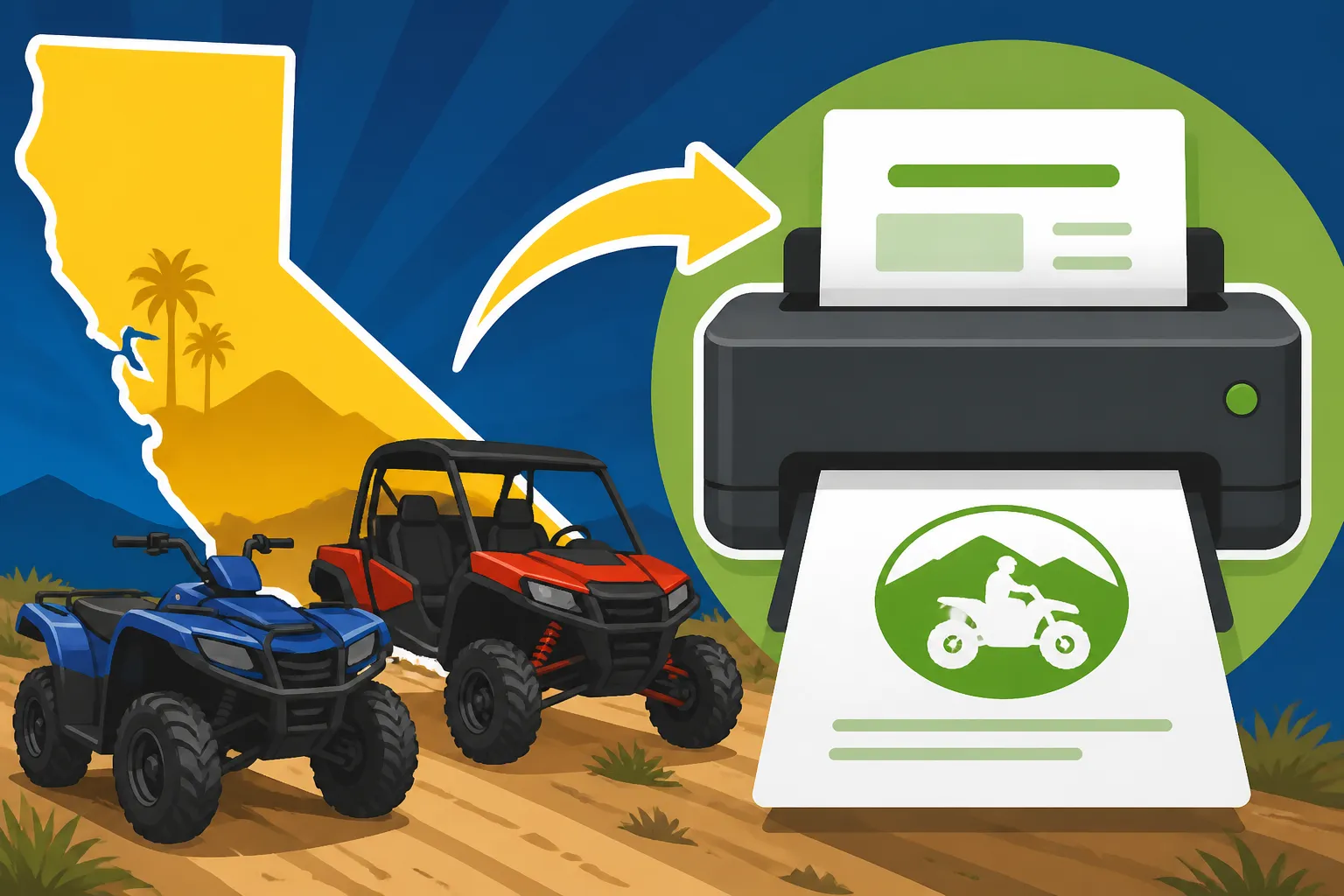
A California nonresident OHV permit can be easy to misplace when you buy it online or travel without a printer. The safest approach is to save the official permit file, print it before your trip if the seller provides a printable version, and follow its instructions for display and proof. Here’s where to print it and what to check before riding.
Where to print a California nonresident permit
If your purchase provides a downloadable permit, print it at home before leaving. Use the original PDF or file supplied with your purchase, rather than recreating the permit from a receipt or copying details onto a blank sheet.
If you’re already traveling, practical places to ask about printing include:
- A public library
- An office-supply or print shop
- A hotel, campground office, or visitor desk
- A workplace or a friend’s home
Call ahead if you’re relying on a business or campground. Printing services, opening hours, and access to email or file transfers vary. Some locations may not print attachments from a phone, while others may require you to send the file through their own service.
Keep the file accessible on your phone as a backup, but don’t assume that a phone image or screenshot is a substitute for a printed permit when the permit instructions require a physical copy or display. Check the exact directions that came with your purchase. The permit’s format and display rules matter more than where the printer is.
If you haven’t bought the permit yet, start with Buying a California Nonresident Permit Online. Check what the seller provides after checkout: a printable permit, a physical permit delivered separately, or instructions for completing the purchase through another authorized channel. Don’t plan around a printout until you know which one applies.
What to check before you print
A receipt confirms that a transaction took place. It may not be the permit itself. Before printing, open the file or email and confirm that it identifies the permit and includes the details required by the issuing instructions.
Check these items:
- The issuing source: Use the permit or file provided through the official purchase process. Be cautious about unofficial copies or pages that only describe the permit.
- The machine details: Confirm that the identifying information is accurate and corresponds to the OHV you’ll ride.
- The validity information: Check the dates and any other conditions shown. Don’t assume a previous permit is still valid for a new trip.
- The display directions: Follow the instructions for whether the permit must be displayed on the machine, carried with you, or both.
- The print quality: Make sure the information is clear, complete, and readable. Don’t crop off edges or print a partial screenshot.
- The backup copy: Save the original file somewhere you can reach without relying on a single email account or weak signal.
A neatly printed page is useful only if it is the actual permit and meets the permit’s instructions. A payment confirmation, order number, or screenshot may help you find the purchase later, but it may not satisfy a requirement to display or carry the permit. For more on what to have available during a ride, see Carrying Paperwork on the Sand and What a Ranger Accepts as Proof.
| What you have | What it can show | What to do |
|---|---|---|
| Official permit file | The permit details supplied by the issuer | Print it if the instructions call for a physical copy, and follow any display directions |
| Purchase receipt | That you paid or placed an order | Keep it as supporting information, but don’t treat it as the permit unless the issuer says it is |
| Phone screenshot | A quick backup view of information | Keep it available, but don’t rely on it instead of a required printed or displayed permit |
| Physical permit or decal | The permit issued in physical form | Use it as directed; printing a receipt does not replace it |
| Unofficial copy or handwritten note | Information someone has copied | Don’t use it as a substitute for the permit issued through the purchase process |
If the purchase email is unclear, contact the seller or issuing office before you travel. Ask whether the permit is printable, whether a physical item will be sent separately, and what you must show or display while riding. Those answers can prevent a last-minute scramble at a campground or trailhead.
Make sure you need this permit
Before spending time finding a printer, confirm that the machine needs a California nonresident permit. California’s nonresident OHV rules depend on the vehicle’s registration or permit status and where it is from. A street-legal plate from another state does not automatically answer the question, and requirements can differ from one type of out-of-state document to another.
The California OHV Reciprocity: Only Two States page explains the limited reciprocity arrangements. In particular, don’t assume an Arizona, Utah, or other state registration automatically takes the place of California’s nonresident permit. Why Only Oregon and Nevada Count in California and Does California Honor Arizona OHV Registration? cover common points of confusion.
If your machine is covered by California’s nonresident permit requirement, read California’s Nonresident OHV Use Permit and California OHV Permit for Out-of-State Riders before buying. Confirm that the permit applies to your vehicle and intended use. If you’re riding more than one machine, don’t assume one permit covers the whole group; check the purchase instructions for how permits are tied to vehicles.
It’s also worth checking the permit’s physical-display requirements before printing. A document that belongs in your riding paperwork may not be meant to attach to the machine. Conversely, if the instructions require a display on the vehicle, carrying a loose sheet in a truck or gear bag may not be enough. Displaying a Permit on the Left Side explains why placement matters when that direction applies.
A simple pre-trip printing plan
Use this sequence to avoid confusing an order receipt with a valid permit:
- Confirm the requirement. Check whether your out-of-state machine needs a California nonresident permit or qualifies under an applicable reciprocity rule.
- Buy through the appropriate process. Use the current official purchase route and enter the machine information carefully.
- Open the permit, not just the receipt. Look for a separate downloadable document or clear instructions about a physical permit.
- Print the complete file if instructed. Use plain, readable printing and check that no details or edges are missing.
- Follow the display directions. Attach or carry the permit as directed; don’t assume a printout has to be displayed on the machine.
- Save a backup. Keep the original file and purchase confirmation accessible, while treating them as backup records rather than automatic substitutes for the permit.
- Resolve any uncertainty before departure. Contact the seller or issuing office if you can’t tell what counts as the permit or how it must be carried.
If you already bought the permit but can’t locate it, search the email account used at checkout for the seller’s name, the purchase confirmation, and terms such as “permit” or “download.” Check spam and other folders as well. If you find only a receipt, contact the seller rather than editing it or printing it as though it were the permit.
If you lose a paper copy while traveling, return to the original file or contact the issuing source for instructions. A clear phone image may help you retrieve the document, but whether it is accepted as proof depends on the applicable instructions and the situation. Photos of Documents and Whether They Count explains why a digital image should be treated as a backup, not a guaranteed replacement.
The practical answer is straightforward: print the official permit file at home or at a library, print shop, hotel, or campground that offers the service. But first verify that the file is the permit, not only a receipt, and follow the specific directions for display and proof. Keep the permit information with your riding paperwork, and don’t count on a screenshot alone when the permit requires something physical.
Disclaimer
This article is for general informational purposes only and does not constitute professional advice. Laws, prices and regulations vary by location and change over time. Consult a qualified professional for guidance on your specific situation.